Teeny CMS · free and open source
Your whole website is just a folder.
Teeny is a simple website builder anyone can use. Click any text to edit it. There's no database to set up, so it runs on the cheapest shared hosting or a basic VPS.
PHP 8.1 or newer · No database · Under 250 KB · Apache License 2.0
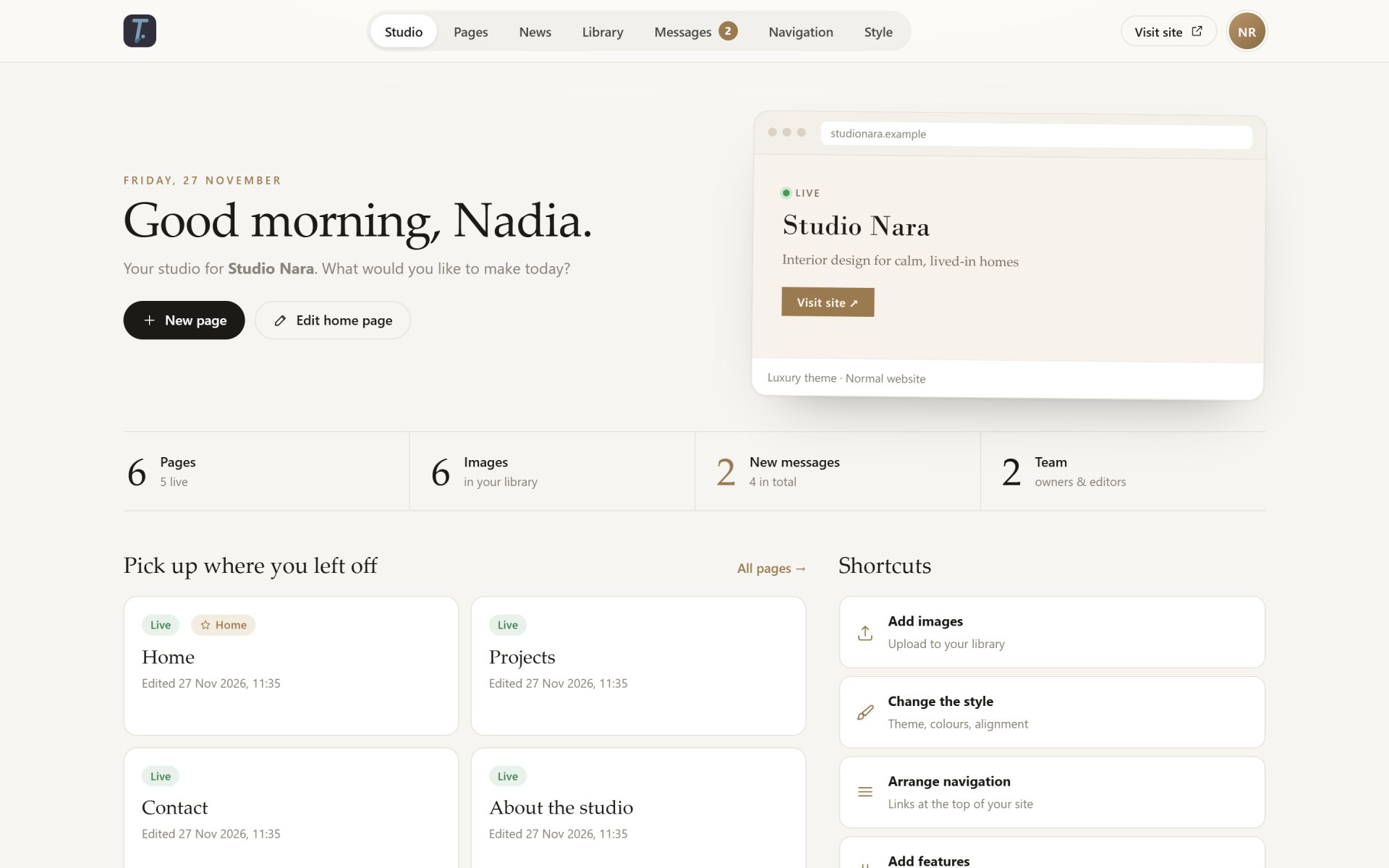
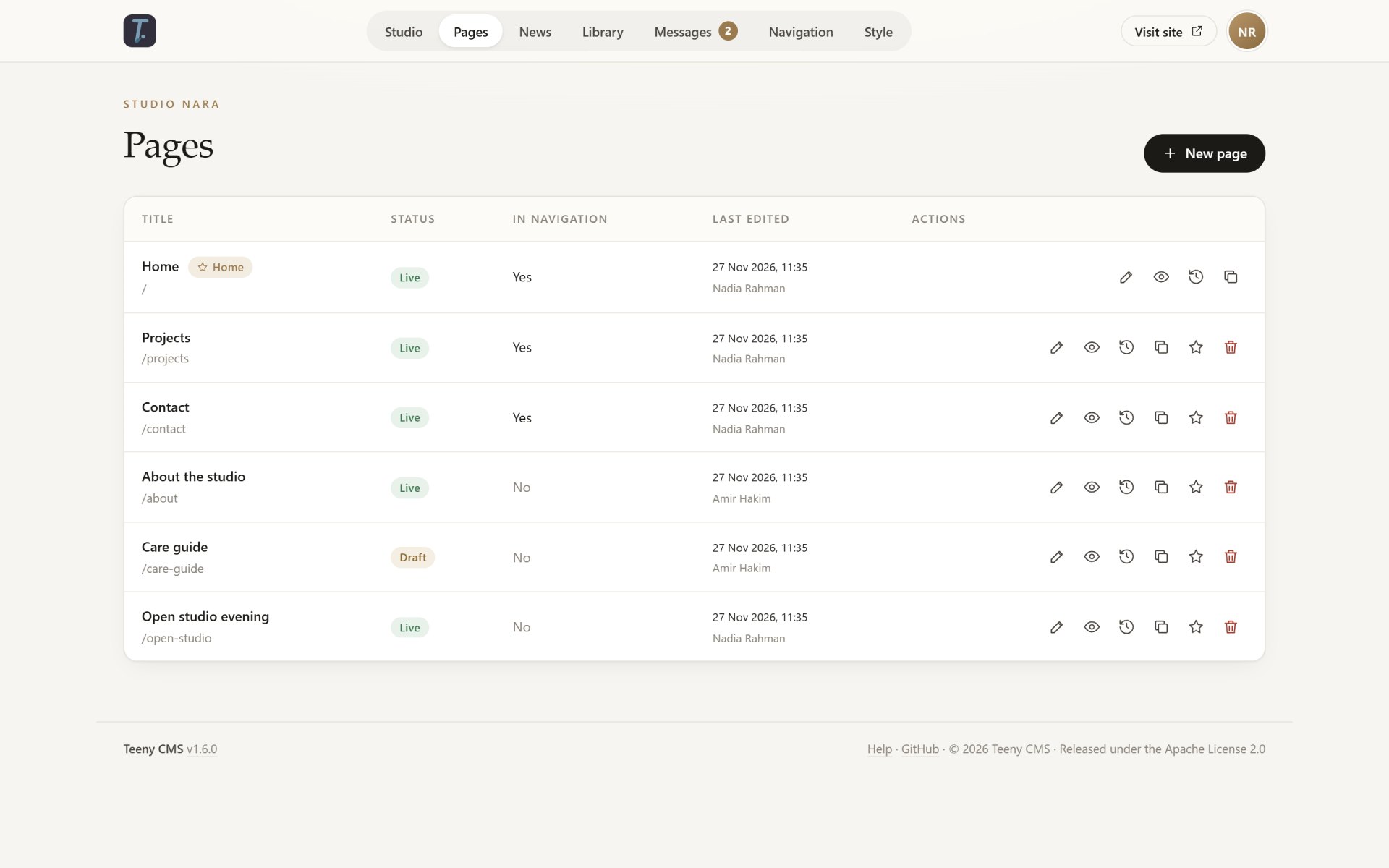
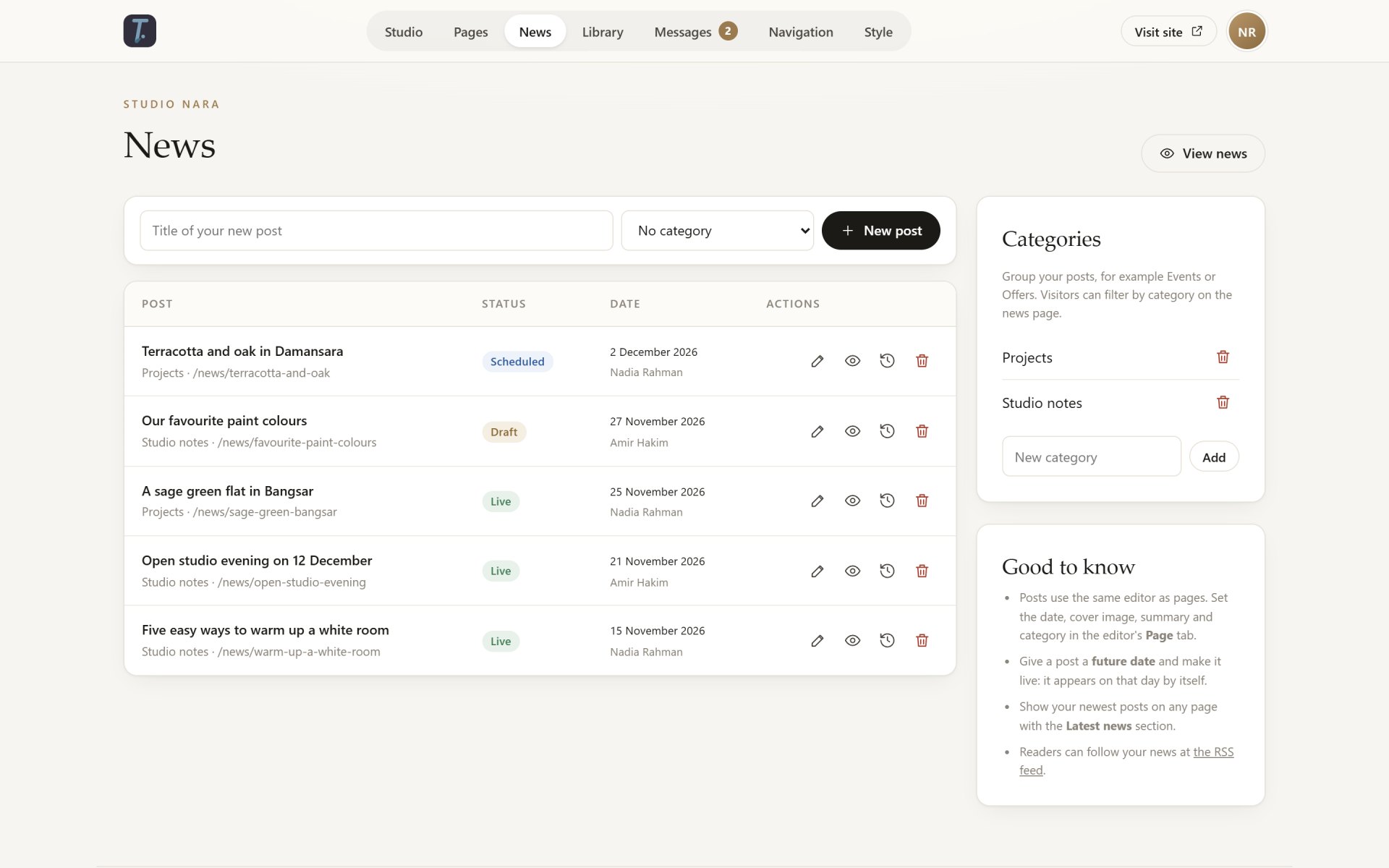
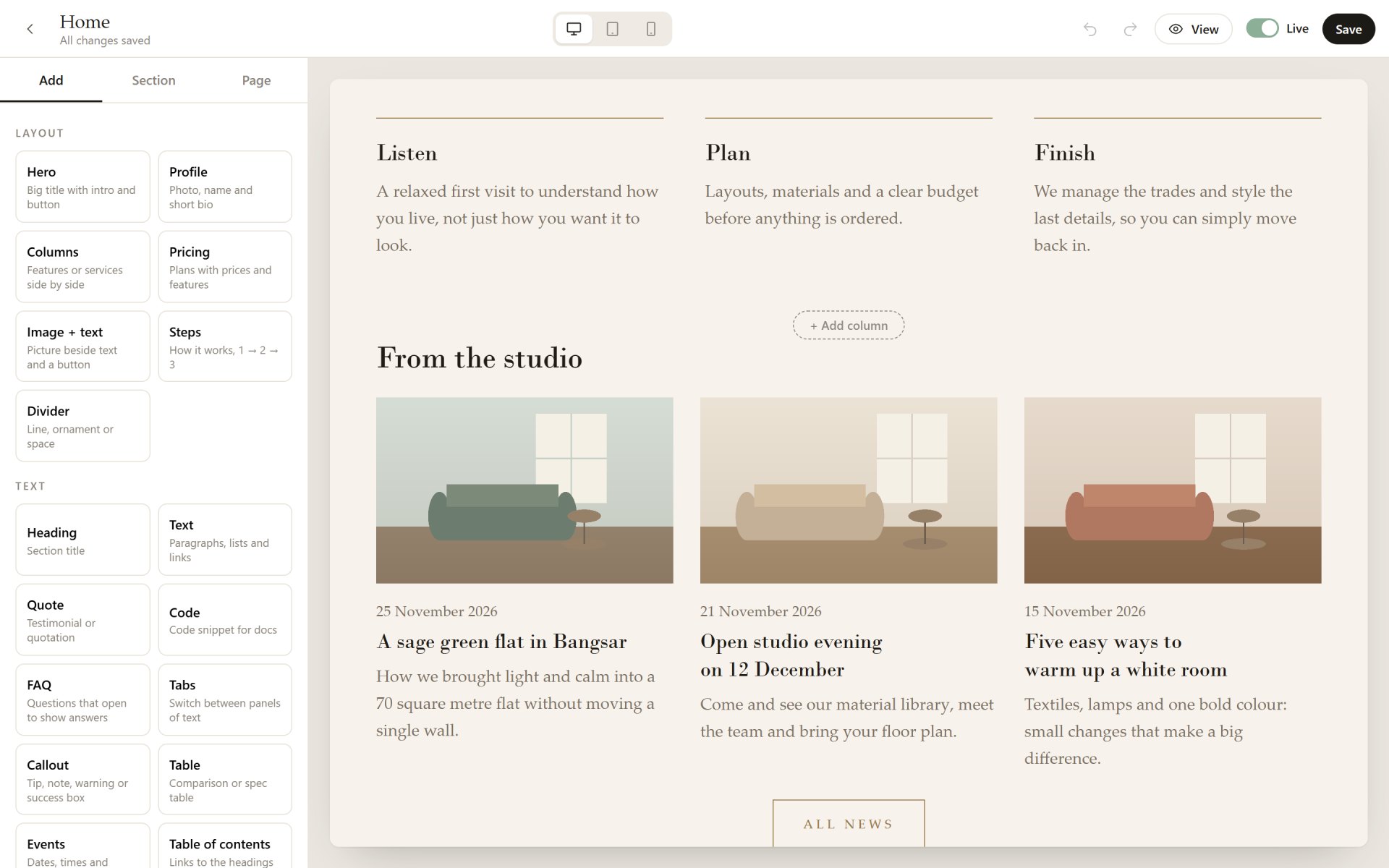
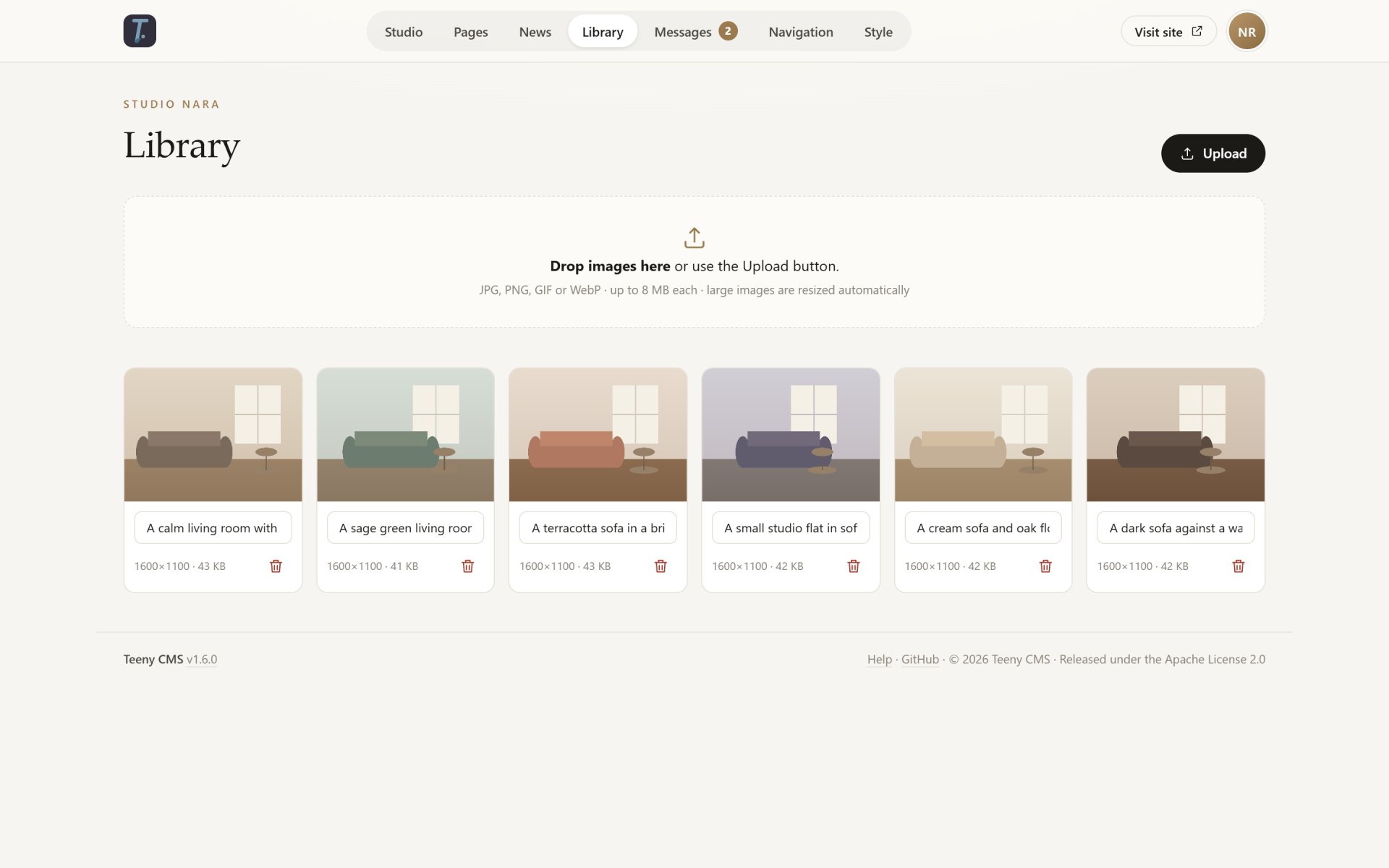
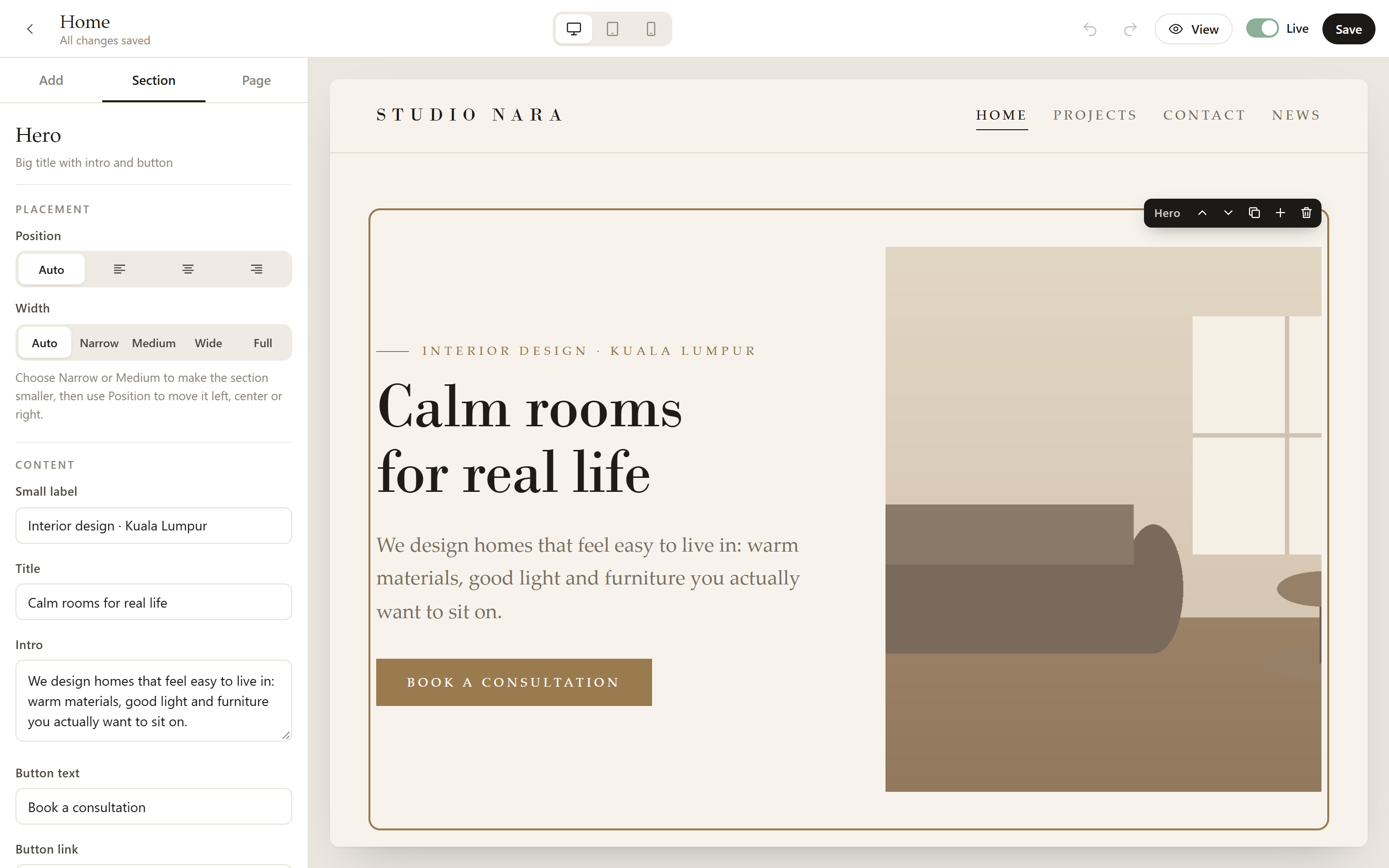
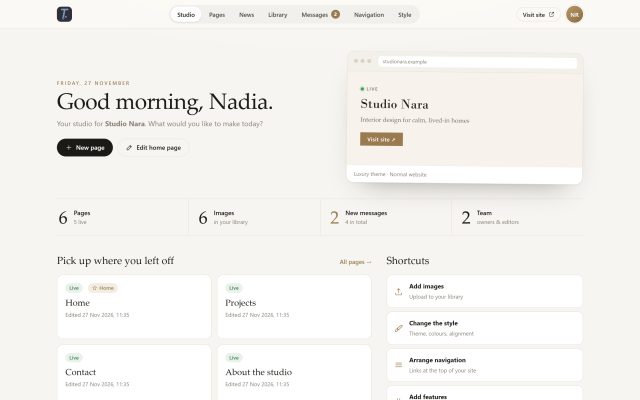
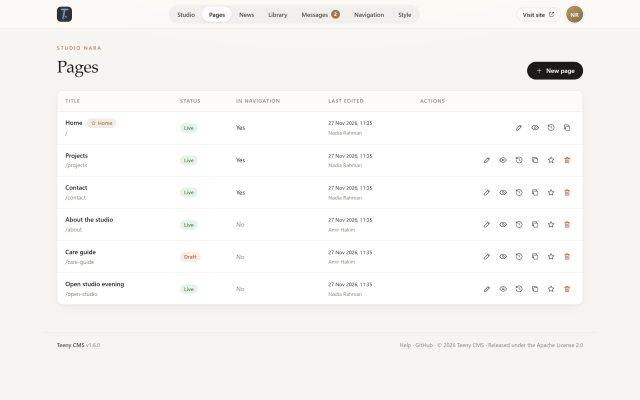
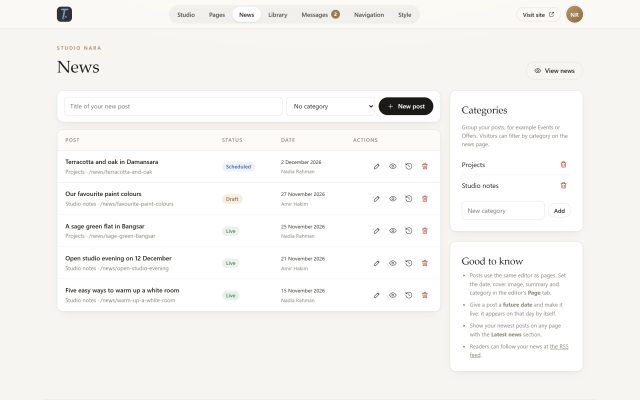
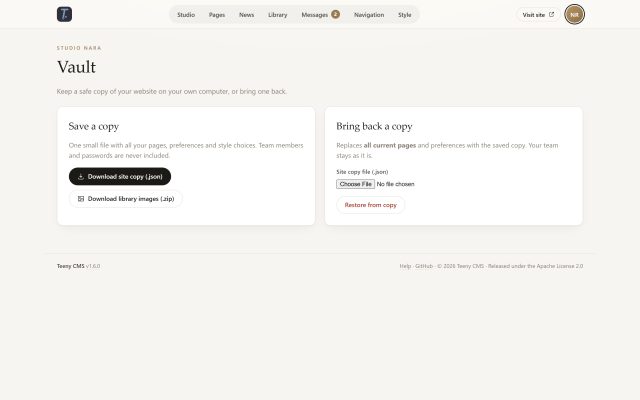
A short tour: create a page, click the text to edit it, add a section, switch on News and write a post, then open the plain files it's all stored in.
Why Teeny
Simple to use, light to run, easy to keep
Easy for everyone
Click any text on your page and type. No code, no manuals. It installs in about two minutes, and you can try it in your browser first.
No database, no migrations
Runs on the cheapest shared hosting or a basic VPS. Updating means copying new files, with no upgrade scripts that can break your site.
Your whole site is a folder
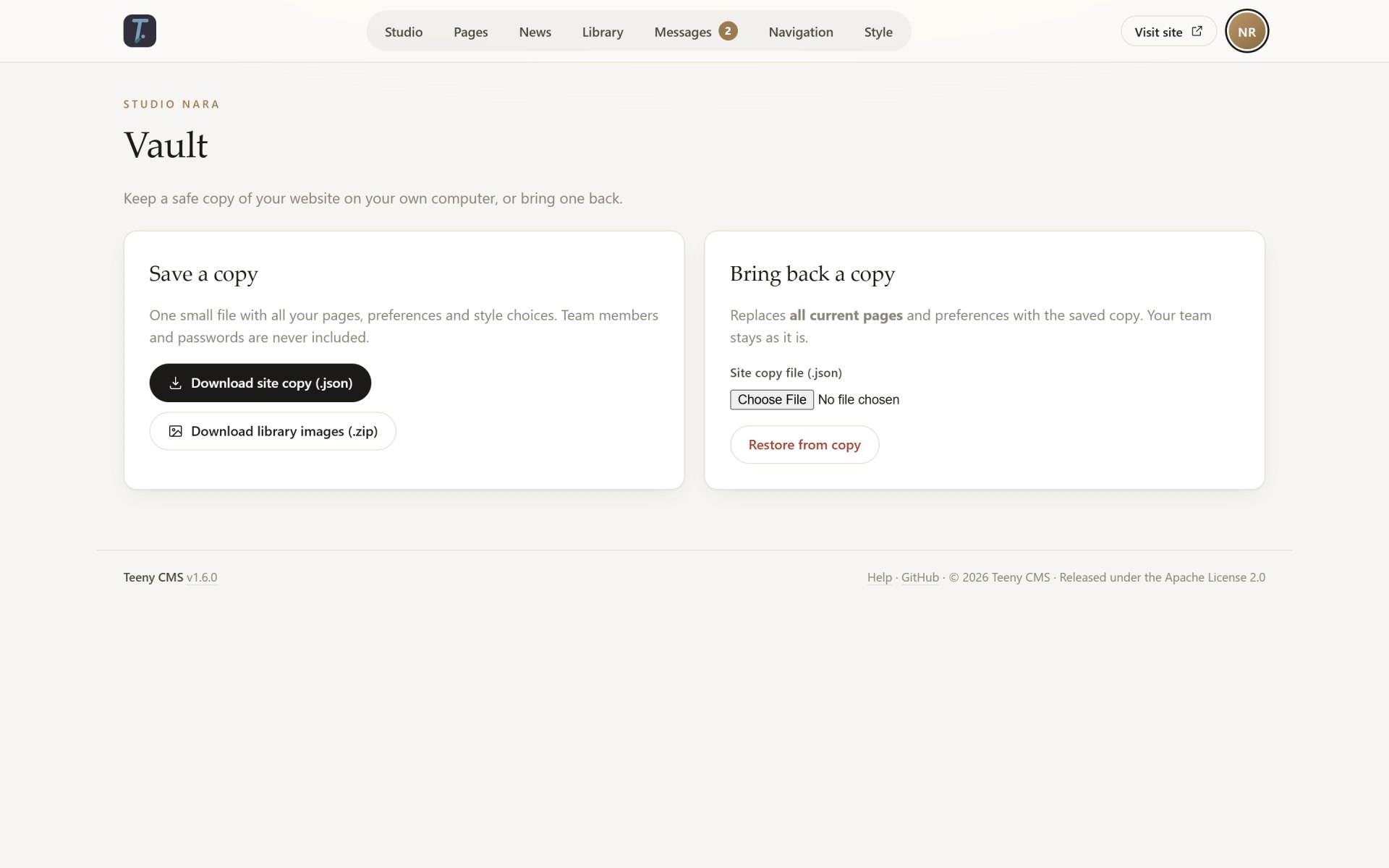
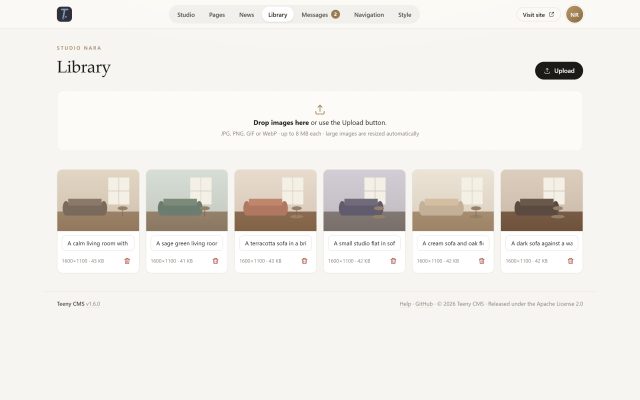
Zip it to back it up, copy it to move it, or keep it in a private Git repo. Plus one-click backups and the last 20 versions of every page.
Fast by default
Visitors get ready-made pages and about 12 KB of code. No heavy queries, no plugin bloat, nothing to compile. The whole app is under 250 KB.
Everything a small site needs, and nothing it doesn't
Made for landing pages, portfolios, simple documentation, photo galleries and link-in-bio pages.
Edit on the page
Click a heading and start typing. Add sections from the side panel, move them, and undo if you change your mind.
36 kinds of sections
Hero, gallery, pricing, FAQ, contact form, popups and more. Each one can sit left, right or in the middle, narrow or full width.
Private pages and "coming soon"
Protect a page with a password for clients or friends, or show a "coming soon" page while you work.
Contact form and newsletter
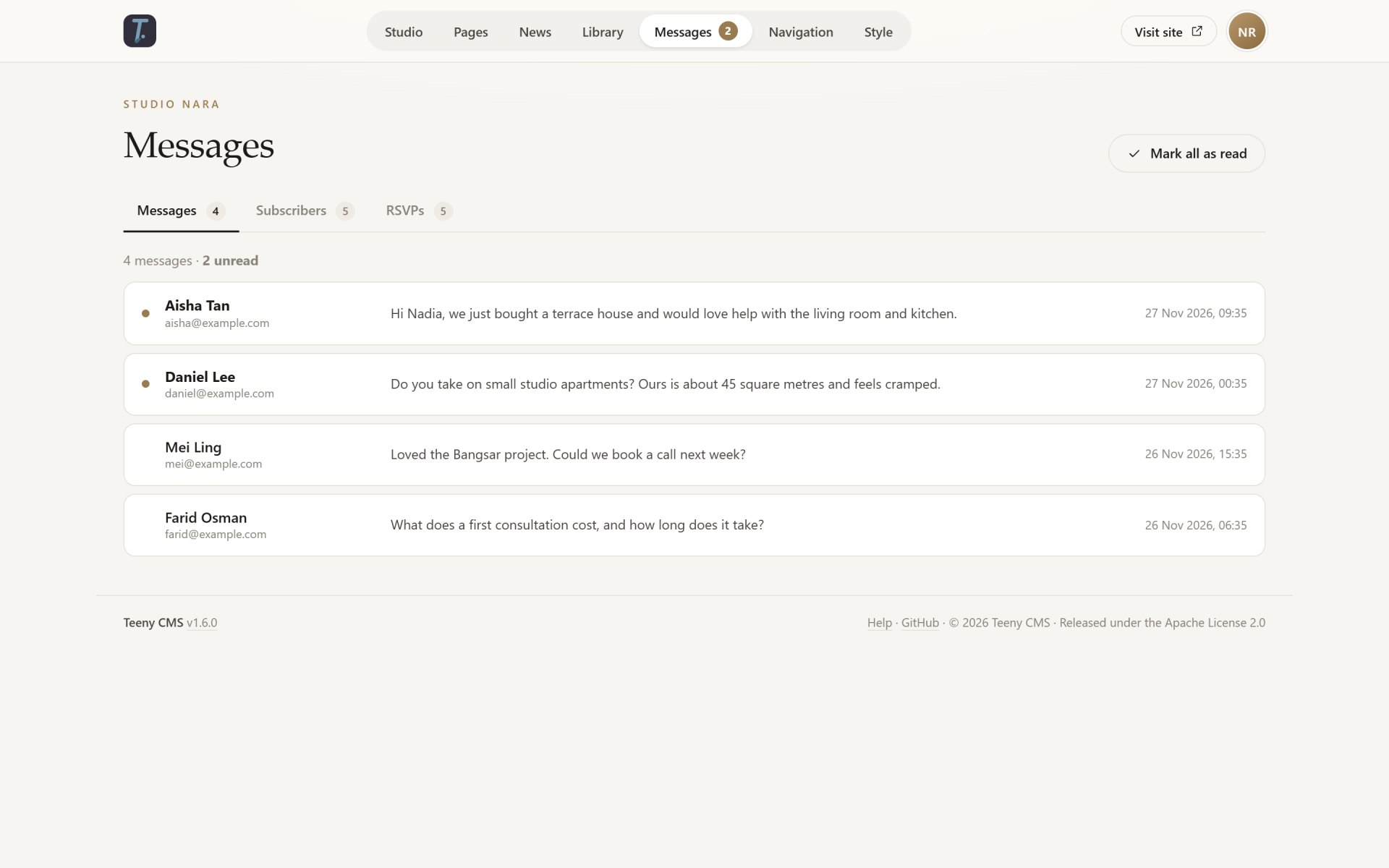
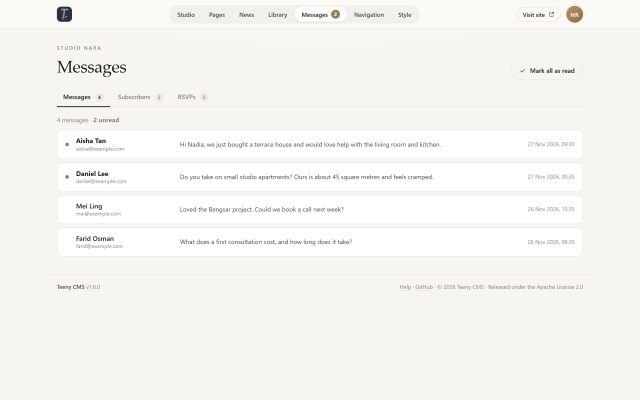
Messages land in an inbox in the Studio. Sign-ups download as a spreadsheet. Spam is blocked without CAPTCHAs.
Visitor numbers, no cookies
See visits and popular pages without cookie banners and without storing IP addresses.
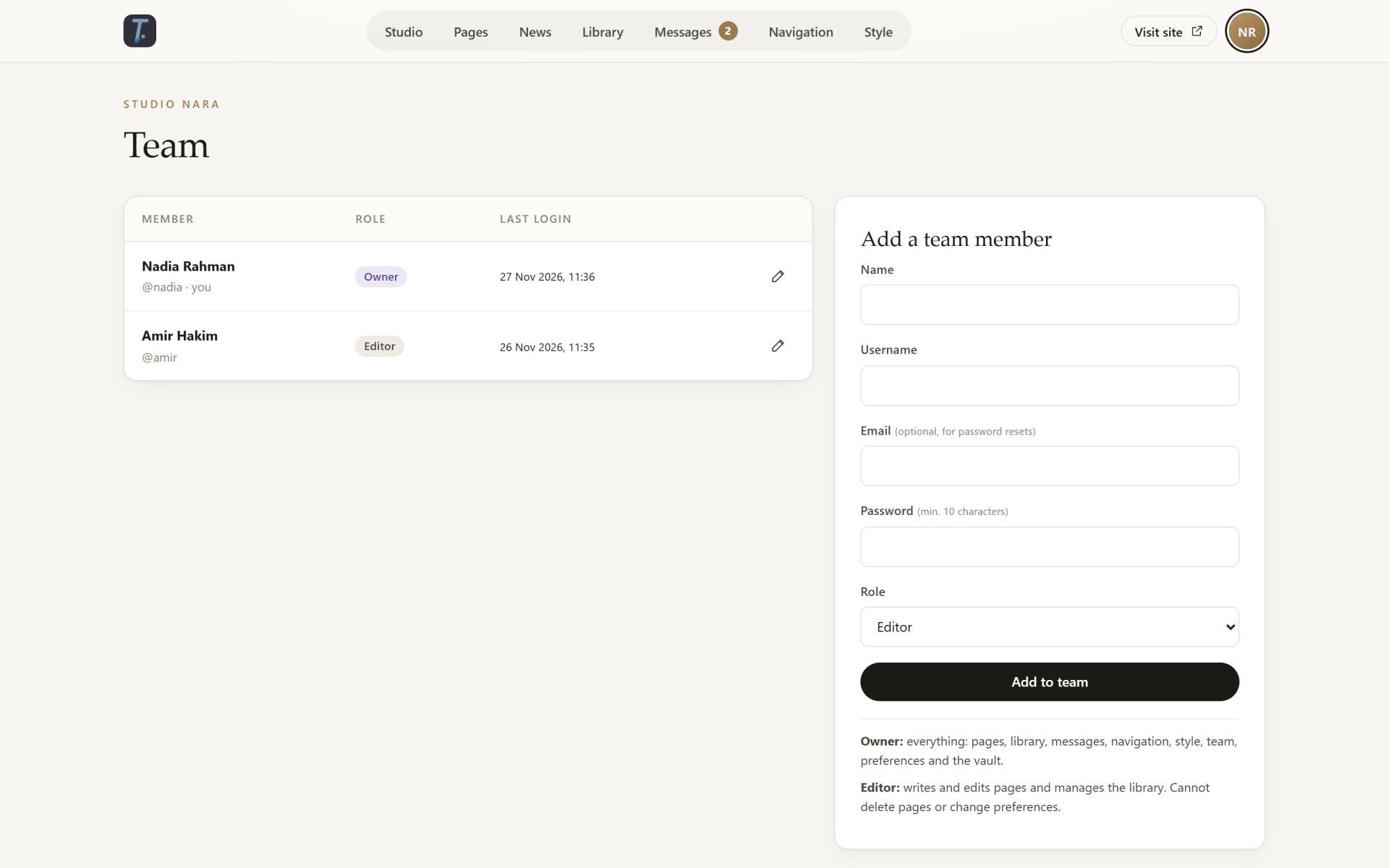
Owners and editors
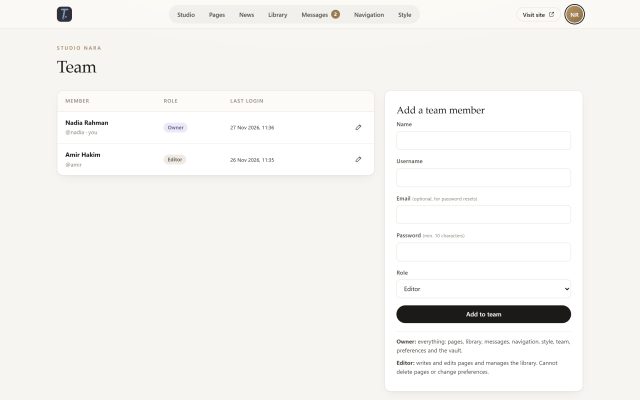
Owners look after everything. Editors write pages and manage images, and can't change settings by accident.
Site search, if you want it
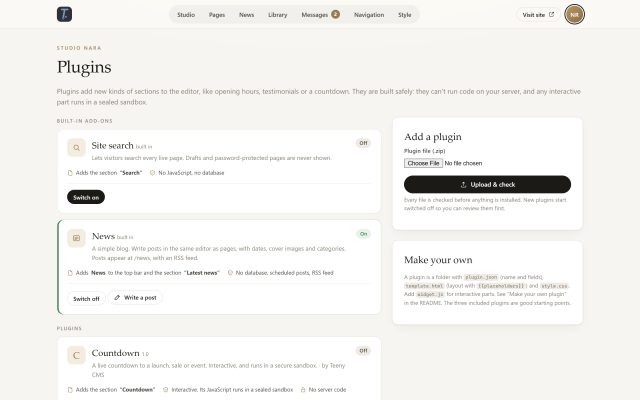
Switch on the built-in search add-on to give visitors a search box and a search icon in the header. Drafts and private pages never show up.
Any Google Font
Type a font name in Style. Teeny saves the font on your own site, so visitors never connect to Google and no cookie notice is needed.
Plugins that stay safe
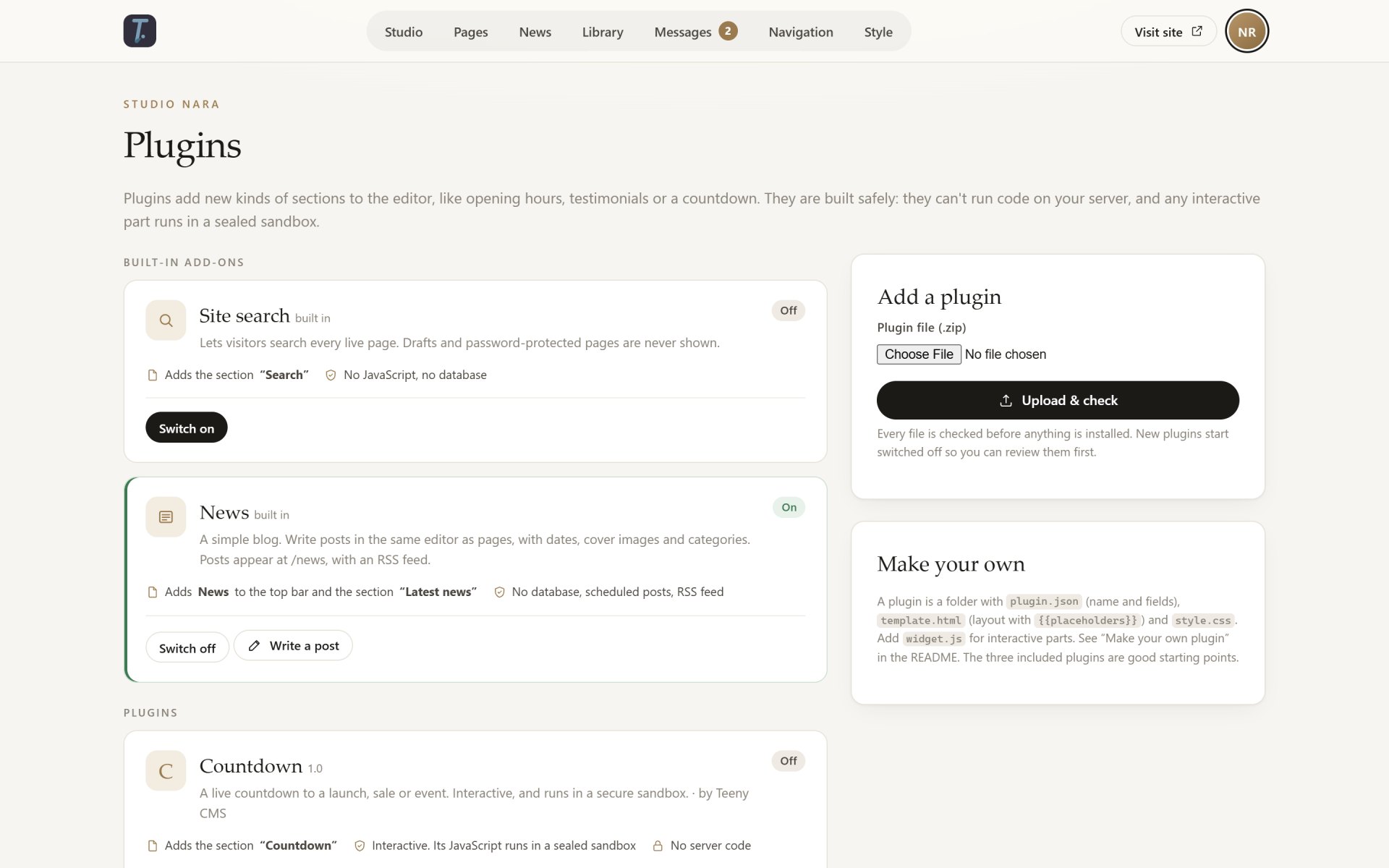
Add new kinds of sections like opening hours or a countdown. Plugins can't run code on your server, and new ones start switched off.
The editor
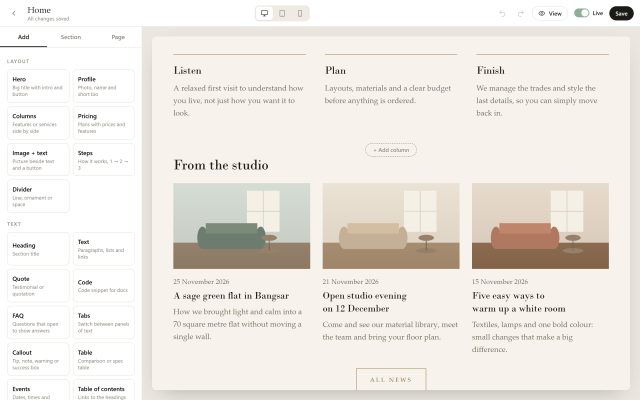
Edit your site right on the page
Click any text and type. Pick a section to see its settings, move it up or down, or make it narrow or full width. Visitors see your changes when you press Save.
Your look
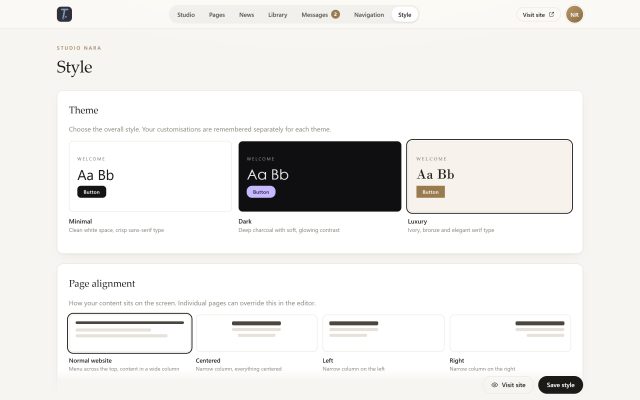
Three themes to start from
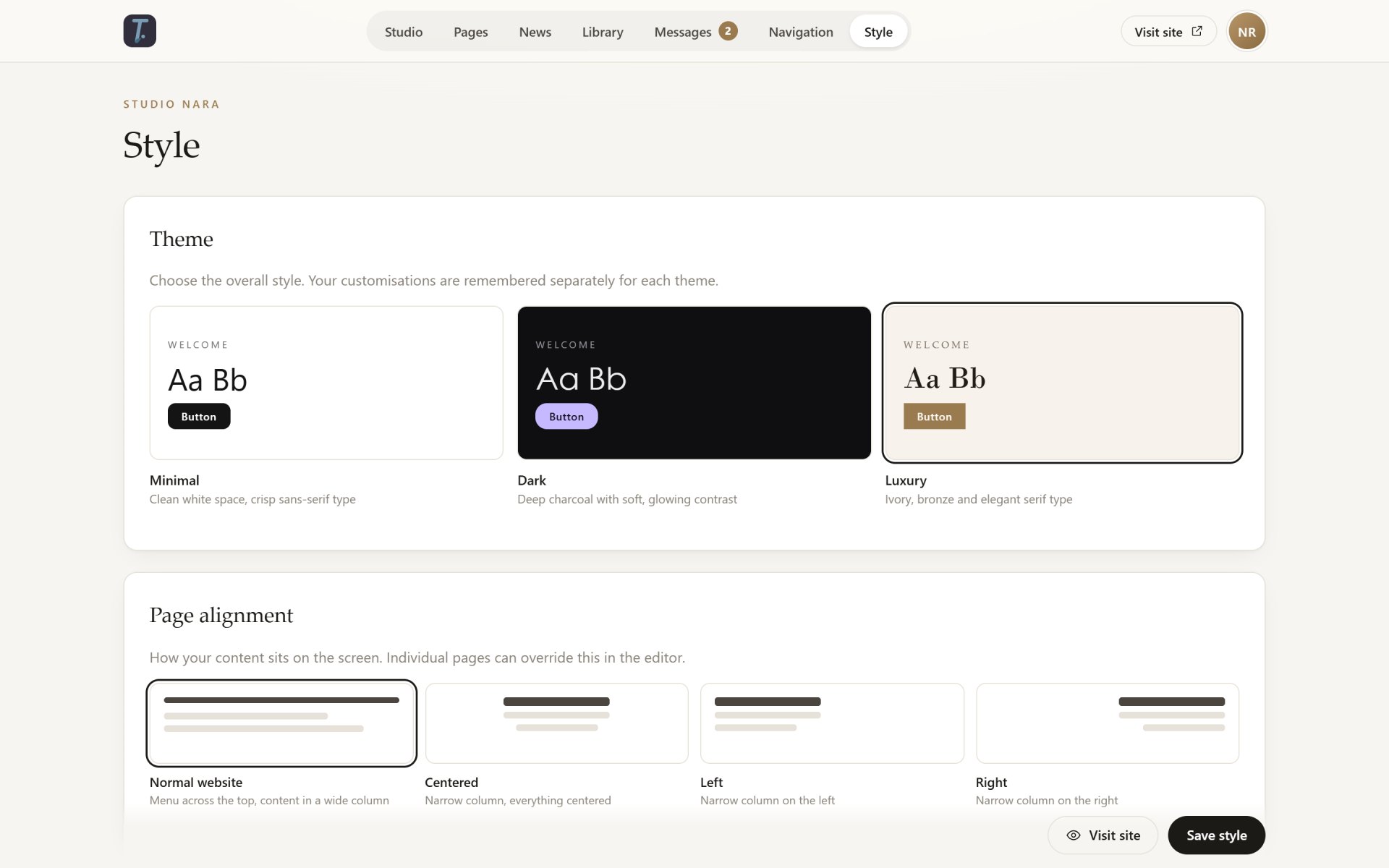
Pick Minimal, Dark or Luxury, then change the colours, fonts, corners and width in Style, or add any font from Google Fonts. Choose a normal, centered, left or right layout for the whole site or a single page. Visitors can switch between light and dark.
Save your version as a new theme and share it as a .zip, or write one by hand. The theme guide shows how.
- MinimalClear and quietGet started
- DarkBold after hoursGet started
- LuxuryCalm and refinedGet started
6 more themes and 5 plugins, one click away
Install them from Style and Plugins in your Studio, or download them from the themes and plugins page. They stay out of the main download, so Teeny stays small.
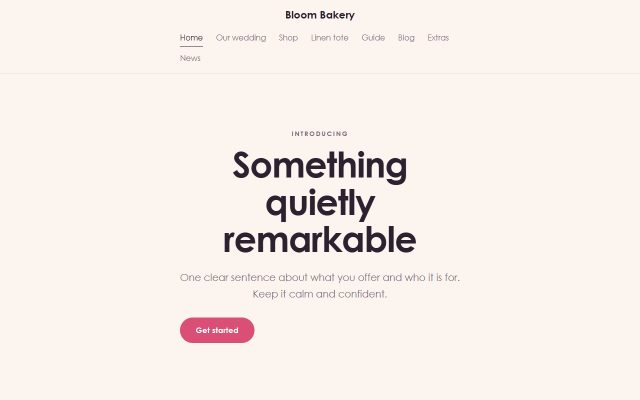 Bio Link in bio
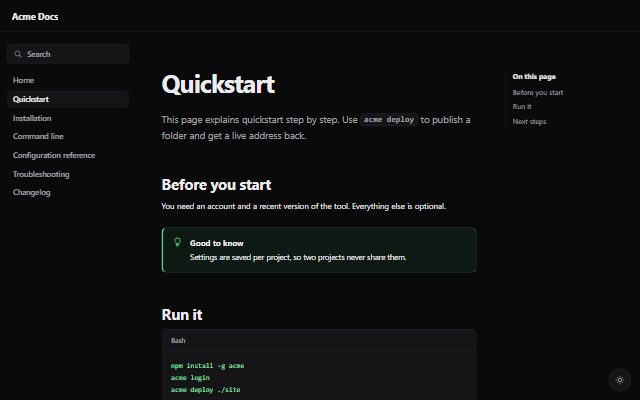 Docs Documentation with a sidebar
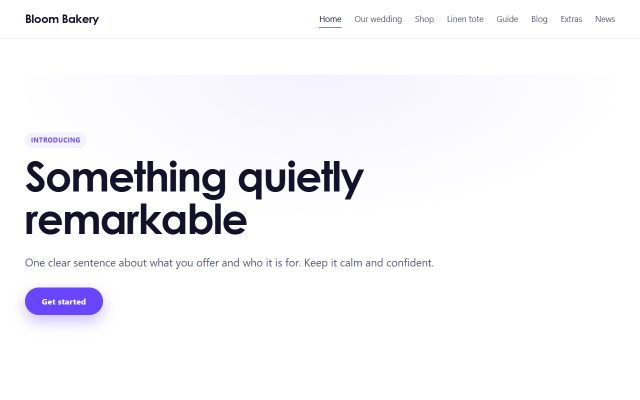 Launch Landing pages
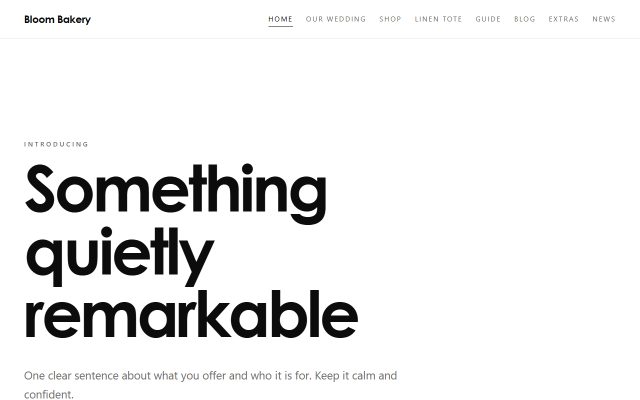 Studio Portfolios
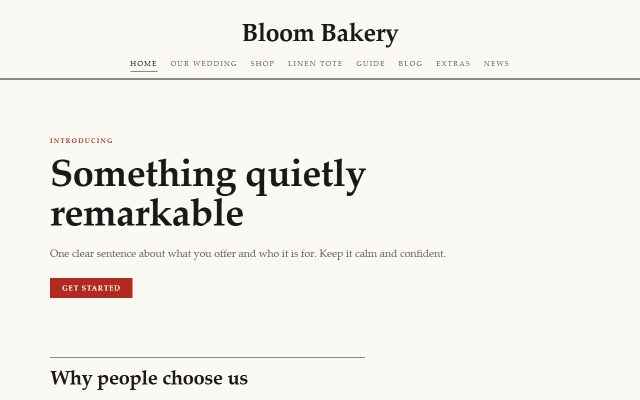 Paper Editorial and News
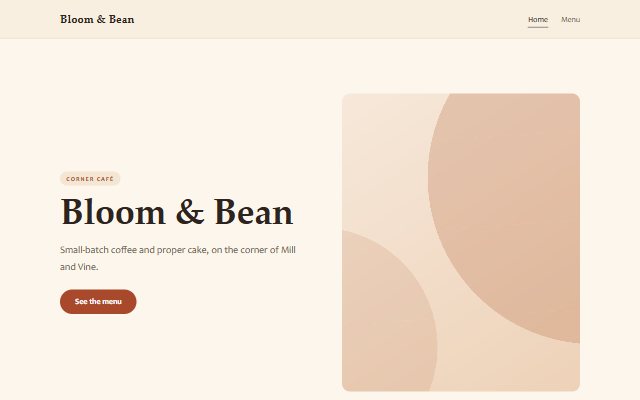 Bistro Cafés and restaurants
Plugins: Menu or price list · Contact buttons · Location card · Timeline · Image slider
Safe by default
Security was part of the plan from day one
Teeny was reviewed for common attacks before its first public release, and every finding was fixed. Read how it protects your site.
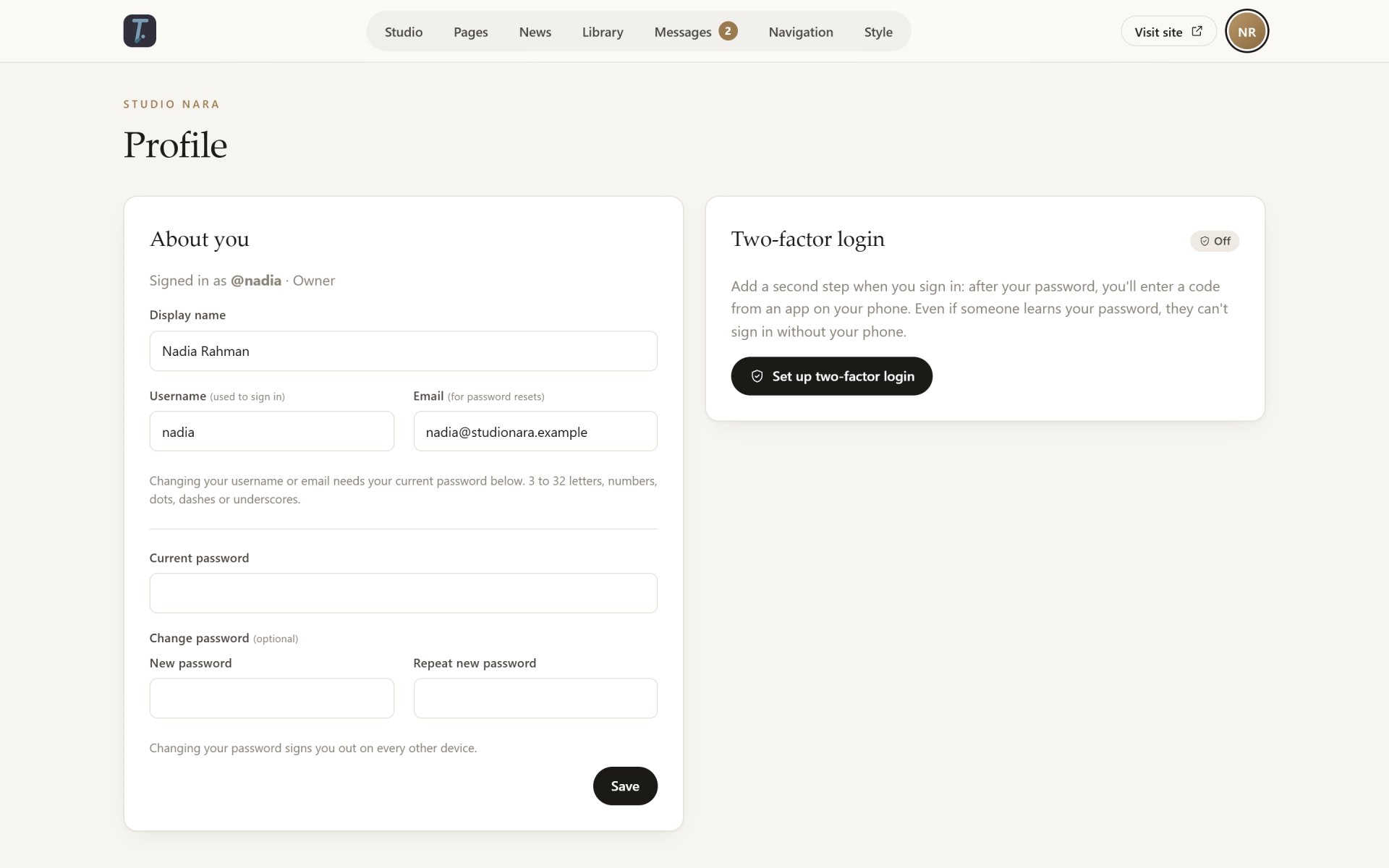
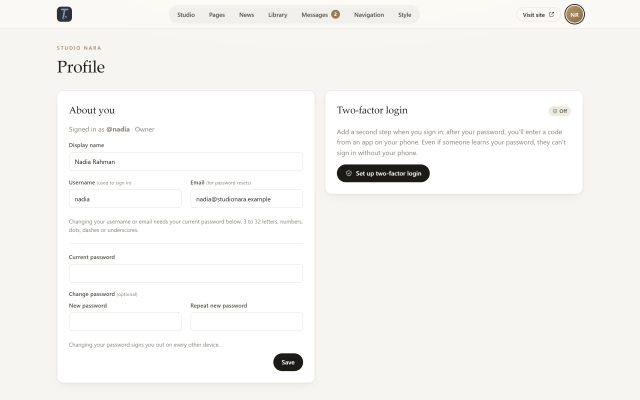
- Strong sign-in. Passwords are stored as Argon2id hashes, very common ones are refused, and sign-in can ask for a code from your phone.
- Limits on guessing. Sign-in, codes, password resets and forms are rate-limited, so nobody can keep trying.
- Clean content. Everything editors and visitors type is cleaned with strict rules, and outside scripts are blocked.
- Plugins in a sealed box. Plugins can add new kinds of sections, but they can't run code on your server.
About two minutes
Install it in three steps
Download
Get the
teeny-cmszip from the latest release. Pick the full zip, not the update.Upload and open
Upload it to your web host, extract it, and open
your-site.com/install.phpin your browser.Save your rescue code
Choose a look, create your account and keep the rescue code it shows. Then start editing.
You need PHP 8.1 or newer with the json and dom extensions, on Apache, LiteSpeed, IIS or nginx. Step-by-step help is in the installation guide.
Or try it in your browser first
GitHub Codespaces gives you a private copy of Teeny that runs online, with nothing to install. You need a free GitHub account.
Create a Codespace
Open the Codespaces link and click Create codespace. VS Code opens in your browser after about a minute.
Trust the folder
Click Trust Folder & Continue. Teeny opens in a new tab. If it doesn't, click Ports at the bottom and the globe icon next to Teeny CMS.
Install and explore
Set up your test site and start editing. When you're done, delete the Codespace at github.com/codespaces.
Prefer your own computer? Run php -S localhost:8000 router.php in the Teeny folder, then visit localhost:8000.
Try Teeny on your own web host
It's free for personal sites and client work.